How to read a DMARC aggregate report without opening XML
The parts of a DMARC report that matter, what they say about your senders, and what to ignore at first.
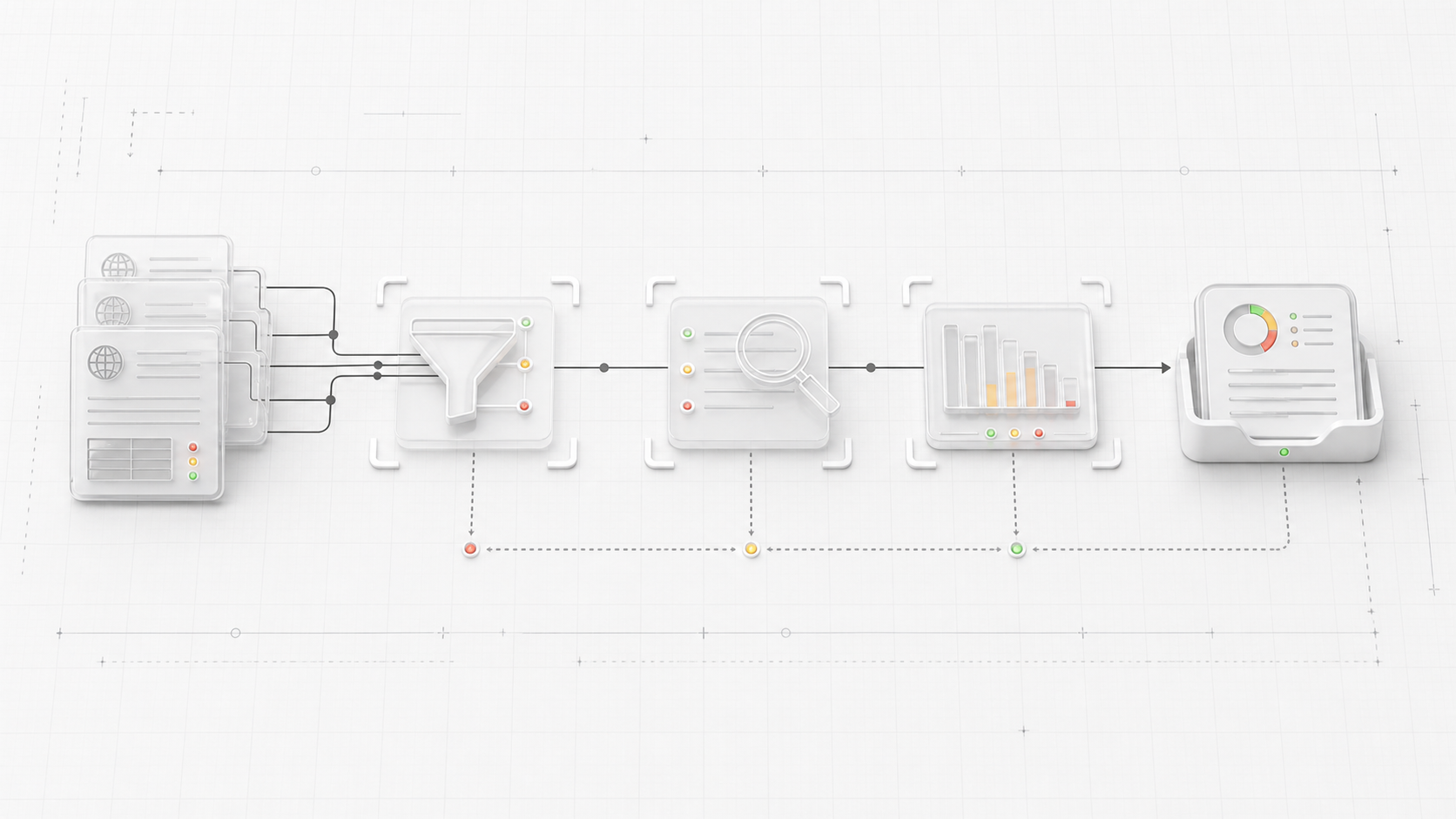
DMARC aggregate reports are helpful in the same way server logs are helpful. They tell the truth, but they were not written for a tired person trying to fix email between meetings.
The files usually arrive as compressed XML. Inside, receivers summarize messages they saw for your domain: where the messages came from, how SPF and DKIM behaved, what DMARC policy applied, and what the receiver did with the mail.
You do not need to memorize the XML structure to use the reports. You need a reading order.
Start with who sent the report
Every aggregate report has metadata. The reporting organization tells you which receiver produced the data. That might be Google, Yahoo, Microsoft, or another mailbox provider.
This matters because the same sender can look different across receivers. One provider might see a clean stream. Another might see failures from forwarding, a regional route, or an old vendor that only sends to part of your audience.
Do not treat one receiver’s report as the whole internet.
Look at the policy that receiver evaluated
Reports include the DMARC policy the receiver saw in DNS. That should match what you think you published.
Check:
p, the policy for the domainsp, the policy for subdomains, if presentpct, the percentage of mail covered by enforcement- alignment mode for SPF and DKIM
If your dashboard says p=reject but reports show p=none, you may be looking at cached data, the wrong domain, or a DNS record that did not publish where you expected.
Group by source and count
The useful part of a report is the repeated record block. Each block usually has a source IP, a message count, authentication results, and the receiver’s final disposition.
Start with count. A single failure may be forwarded mail or noise. Thousands of failures from one source deserve attention.
The source IP is not always the vendor name. You may need to map it back to a provider. Still, it gives you a place to start. If a source appears every day and fails every day, it is probably a real sender or a real abuse source.
Separate authentication from alignment
This is the part that confuses people.
SPF can pass, DKIM can pass, and DMARC can still fail. DMARC cares whether either SPF or DKIM aligns with the visible From domain.
For example:
- SPF passes for a vendor bounce domain, but your From domain is different.
- DKIM passes with the vendor’s signing domain, but your domain is in the From header.
- DKIM is missing because the vendor was never configured for your domain.
The fix depends on which case you have. Adding another SPF include will not solve a DKIM alignment problem. Turning on DKIM will not help if the sender is using the wrong From domain.
Read disposition last
Disposition is what the receiver says it did with the message under your policy. Common values are none, quarantine, and reject.
At p=none, a DMARC failure may still be delivered because your policy is only observing. At p=quarantine or p=reject, the same failure is more likely to be sent to spam or blocked.
This is why reports are so useful before enforcement. They let you see what would break while the policy is still forgiving.
What to do with the report
For each repeated failure, decide which bucket it belongs in:
- legitimate sender with missing setup
- legitimate sender using the wrong domain
- forwarded or indirect mail
- unknown source that should fail
- reporting artifact or tiny one-off noise
Only the first two usually need DNS or vendor changes. Unknown sources are often proof that DMARC is doing its job.
A good DMARC monitor turns XML into those buckets. That is the whole point. You should not have to read compressed XML to answer a basic question: “Who is sending as us, and are they allowed to?”