From p=none to p=reject without breaking real mail
A plain rollout plan for moving DMARC from observation to enforcement while keeping legitimate senders online.
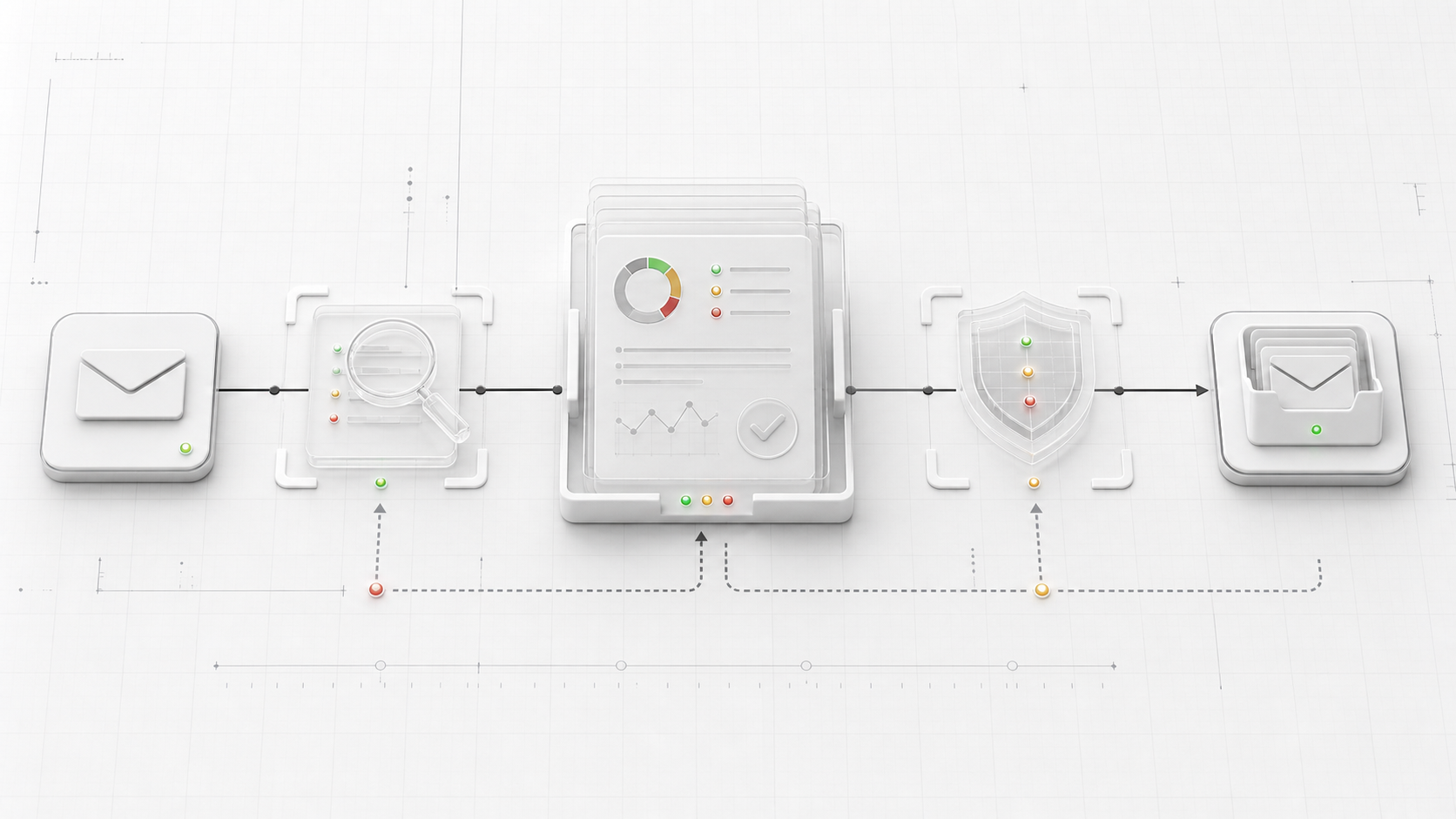
p=none is a listening mode. It tells receivers to leave mail alone and send reports so you can see who is using your domain.
That is useful, but it is not protection. A domain at p=none still allows spoofed mail to reach the normal filtering process. Receivers may use authentication results as a signal, but your DMARC policy is not asking them to quarantine or reject failures.
The move to p=reject should be boring. If it feels risky, you probably have not watched enough traffic yet.
Start with the senders, not the policy
Before changing the record, make a list of every system that sends mail as the domain.
Common ones:
- Google Workspace or Microsoft 365
- website contact forms
- billing and invoice tools
- support desk software
- CRM sequences
- product notification systems
- marketing platforms
- calendar and scheduling tools
The list matters because DMARC failures are often legitimate tools with bad alignment. You are not trying to punish those messages. You are trying to find them before receivers do.
Publish a useful p=none record
A starter record usually looks like this:
v=DMARC1; p=none; rua=mailto:dmarc@example.comUse a report address that someone or something can process. DMARC aggregate reports arrive as XML, often compressed, and the mailbox can get noisy. A regular personal inbox is fine for a tiny test, but it will not scale well.
Then wait for normal traffic. A day of reports can miss weekly payroll mail, monthly invoices, or a campaign platform that only sends occasionally. The right waiting period depends on your send pattern, but the goal is to catch the weird senders, not just the obvious ones.
Fix repeat failures
When reports come in, sort failures by volume and source. The source IP is not always enough to identify the sender, but patterns help. A large block of failures from a known email provider usually points to a specific vendor or app.
For each sender, check two things:
- SPF passes and aligns with the visible From domain, or DKIM passes and aligns with it.
- The sender is supposed to send as that domain in the first place.
If the sender is legitimate, fix alignment. That might mean adding the vendor’s SPF include, enabling DKIM in the vendor settings, changing the From domain, or moving that mail to a subdomain with its own policy.
If the sender is not legitimate, leave it broken. That is what DMARC enforcement is for.
Move through quarantine
Once the regular senders are clean, move to quarantine.
v=DMARC1; p=quarantine; rua=mailto:dmarc@example.comSome teams use pct to apply enforcement gradually:
v=DMARC1; p=quarantine; pct=25; rua=mailto:dmarc@example.comThat can be helpful during a cautious rollout, but do not forget it is there. A policy stuck at pct=25 is still only partly enforced. Inbox Vital treats partial enforcement as a configuration safety warning for that reason.
Reject when the reports are boring
Move to p=reject when the failures left in your reports are expected, explained, or clearly abusive.
v=DMARC1; p=reject; rua=mailto:dmarc@example.comAfter that, keep watching. Enforcement does not remove the need for monitoring. It raises the cost of mistakes. If a real sender drifts out of alignment after you reach reject, receivers are more likely to block it.
That is the tradeoff. p=reject is the right destination for most domains, but it works best when the team treats DMARC reports as an operating signal, not a one-time migration checklist.